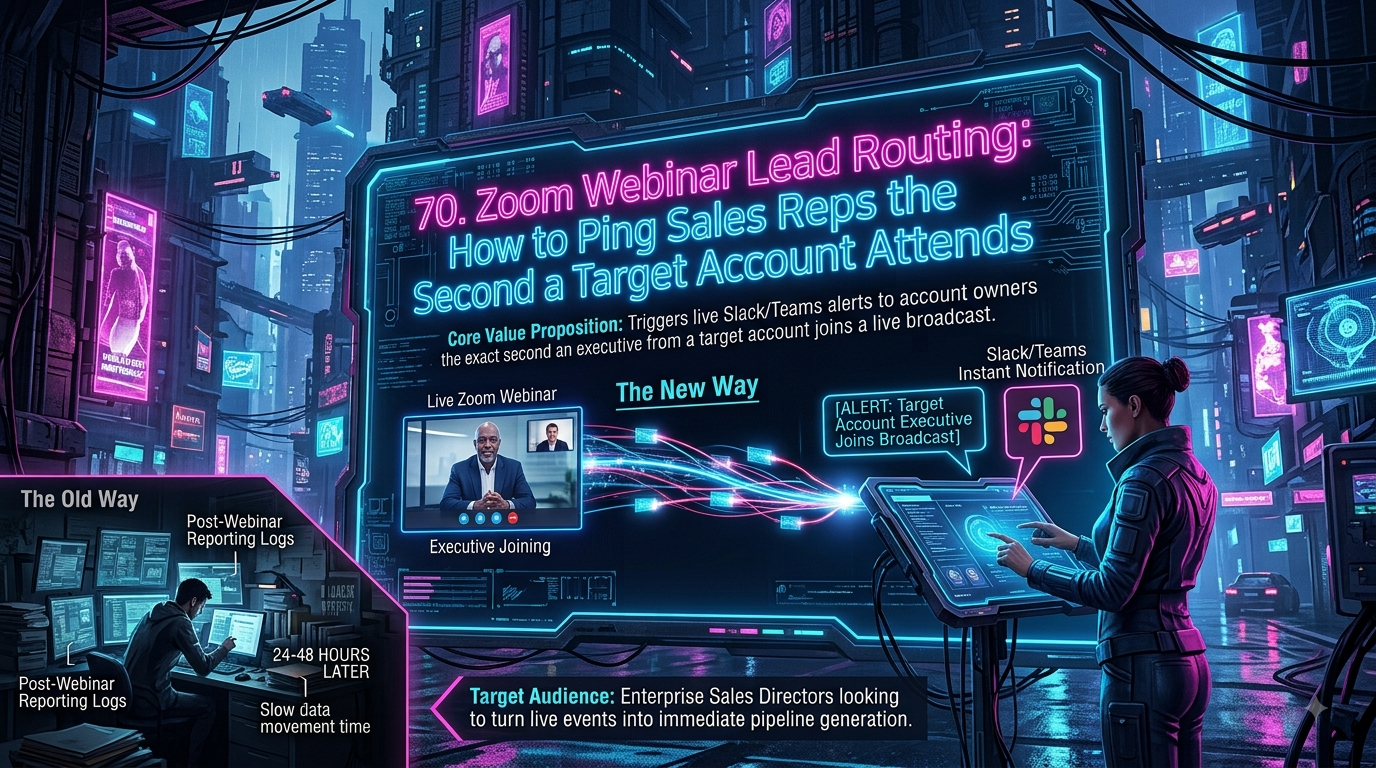
Zapier's Zoom integration includes a native, webhook-based trigger for attendee joins — it isn't inherently slow. The gap is downstream: turning that event into an SLA-tracked, auto-escalating alert routed to the right account owner requires chaining a CRM search and Path logic across multiple Zap steps. InstaChime does this natively, built for sales teams targeting sub-30-second response times.
The Core Difference: Multi-Step Zap Logic vs. Native Live-Event Routing in InstaChime
The operational difference isn't trigger speed. It's what has to happen *between* the trigger and a usable alert.
Zapier's Zoom app ships a "New Participant Joined Webinar or Meeting" trigger marked *Instant* — it fires from a webhook payload the moment Zoom pushes the join event, not on a polling interval. That part of the stack is fast out of the box.
The complexity shows up in everything after the trigger fires. To route only target-account executives to the correct owner, RevOps typically has to assemble:
- A CRM search action (Find Record in Salesforce or HubSpot) to match the attendee's email to an existing account.
- A Filter or Path step to isolate matches against an ICP list or ARR threshold — Zapier has no native concept of a "target account."
- A messaging action built manually with Slack Block Kit or a Teams adaptive card.
- Extra Delay steps and a second Zap to approximate escalation, since Zapier has no built-in way to track whether a Slack message was acknowledged.
InstaChime collapses this into one pipeline. The moment an attendee authenticates into the Zoom session, InstaChime cross-references your CRM account mapping, checks the account against your target list, and posts a Slack or Teams alert with a live SLA countdown — as one configured routing rule instead of a chain of Zap steps.
Why Teams Look for Zapier Alternatives for Zoom Webinar Routing
Sales Ops teams don't move off Zapier because the Zoom trigger is unreliable. They move on for three recurring reasons.
Zap sprawl. A single "ping the rep when a VIP joins" workflow can require five or more chained steps: trigger, CRM search, filter, message formatting, plus a separate Zap for escalation. Every additional step is another point of failure when a CRM field gets renamed or a Slack OAuth scope expires.
No native SLA enforcement. Zapier can post a Slack message. It can't natively display a live countdown on that message, detect whether the AE responded, or reroute the alert to a manager after a set window. Approximating that requires Delay steps, a Code by Zapier step to call the Slack API a second time, and a separate polling Zap to check message state — a brittle stack for something a purpose-built router handles as one setting.
Maintenance overhead at scale. Filter and Path steps no longer count against Zapier's task limits, but every CRM search and messaging action still does. For a demand-gen team running this logic across every webinar, every week, the ongoing cost isn't just tasks — it's the RevOps hours spent debugging nested Paths when one condition changes.
Key insight: Engaging a target account executive while they're still live in your webinar converts into pipeline at a meaningfully higher rate than a follow-up email sent after attendee reports are pulled — but only if the alert reaches an available rep inside the window that matters.
Feature Comparison: InstaChime vs. Zapier
| Feature / Workflow Capability | InstaChime | Zapier |
|---|---|---|
| Zoom Attendee Join Trigger | Native. One routing rule reacts to the live join event and evaluates the account immediately. | Native instant trigger exists, but fires for every attendee — account matching isn't built in. |
| Target Account / ICP Matching | Built-in. Define an account list or ARR threshold; only matching joins fire an alert. | Requires a separate CRM Find Record search plus a Filter or Path step per Zap. |
| SLA Enforcement & Escalation | Active. Visual countdown in Slack/Teams; round-robins to a fallback rep if unacknowledged. | None native. Approximated with Delay steps and a second Zap that polls message state. |
| PTO / Calendar-Aware Routing | Automatic. Syncs with calendar status to skip unavailable owners in real time. | Manual. Needs an added calendar-check step and nested Path logic per rule. |
| Setup & Maintenance | One no-code routing rule per campaign or account list. | Multi-step Zap (trigger + search + filter + message [+ escalation Zap]); each step is a maintenance point. |
How to Migrate from Zapier to InstaChime
1. Connect Zoom and CRM endpoints. Authenticate Zoom and your CRM (Salesforce or HubSpot) inside InstaChime's integration portal. This replaces the separate Zoom trigger and CRM search action you'd otherwise chain together in a Zap.
2. Define target-account filtering rules. *Prevents alert fatigue for non-target attendees.* Set your ICP parameters — target account lists, ARR thresholds, or specific titles — so InstaChime only fires on the joins that matter, without a standalone Filter step.
3. Set SLA windows and escalation paths. *Requires Slack or Microsoft Teams admin access.* Install the InstaChime app in your messaging platform, set your response-time window (e.g., sub-30-seconds), and assign fallback reps — no Delay steps or secondary Zap required.
Frequently Asked Questions
Is InstaChime faster than Zapier for Zoom webinar alerts?
For the raw join event, both are fast — Zapier's Zoom app uses an instant, webhook-based trigger rather than polling. The speed gap appears downstream: InstaChime matches the attendee to a target account and posts an SLA-tracked alert in one step, while reproducing that in Zapier means chaining a CRM search, a filter, and a messaging action across several Zap steps.
Do I need a developer to set up live webinar routing in InstaChime?
No. InstaChime uses a visual, no-code interface for defining target-account rules, CRM account mapping, and SLA escalation paths. Reproducing the same logic in Zapier — CRM search actions, Path branching for unmatched attendees, Code steps for escalation — typically needs someone comfortable building and maintaining multi-step Zaps.
How does InstaChime handle routing if the account owner is unavailable during the webinar?
InstaChime checks the account owner's calendar status in real time. If an alert isn't acknowledged before the SLA window closes, it automatically escalates to a designated fallback rep or sales manager — a workflow Zapier can only approximate with Delay steps and a secondary Zap to check message state.