Speed-to-lead has long been a numbers game. The most-cited research is the MIT/InsideSales.com Lead Response Management Study, led by Dr. James Oldroyd. It analyzed more than 15,000 leads and 100,000 call attempts, and found that contacting a lead within five minutes made a team about 100 times more likely to reach that lead, and 21 times more likely to qualify it, than waiting 30 minutes. That study dates from 2007, and its figures are usually repeated through vendor summaries. Treat them as directional evidence of how fast intent decays, not as a precise forecast for your funnel.
Most teams still miss the five-minute window. A 2026 benchmark of B2B inbound leads, reported by Aloware, found a median first response of about 42 hours, with only about 7% of teams responding within five minutes. That gap is the opportunity.
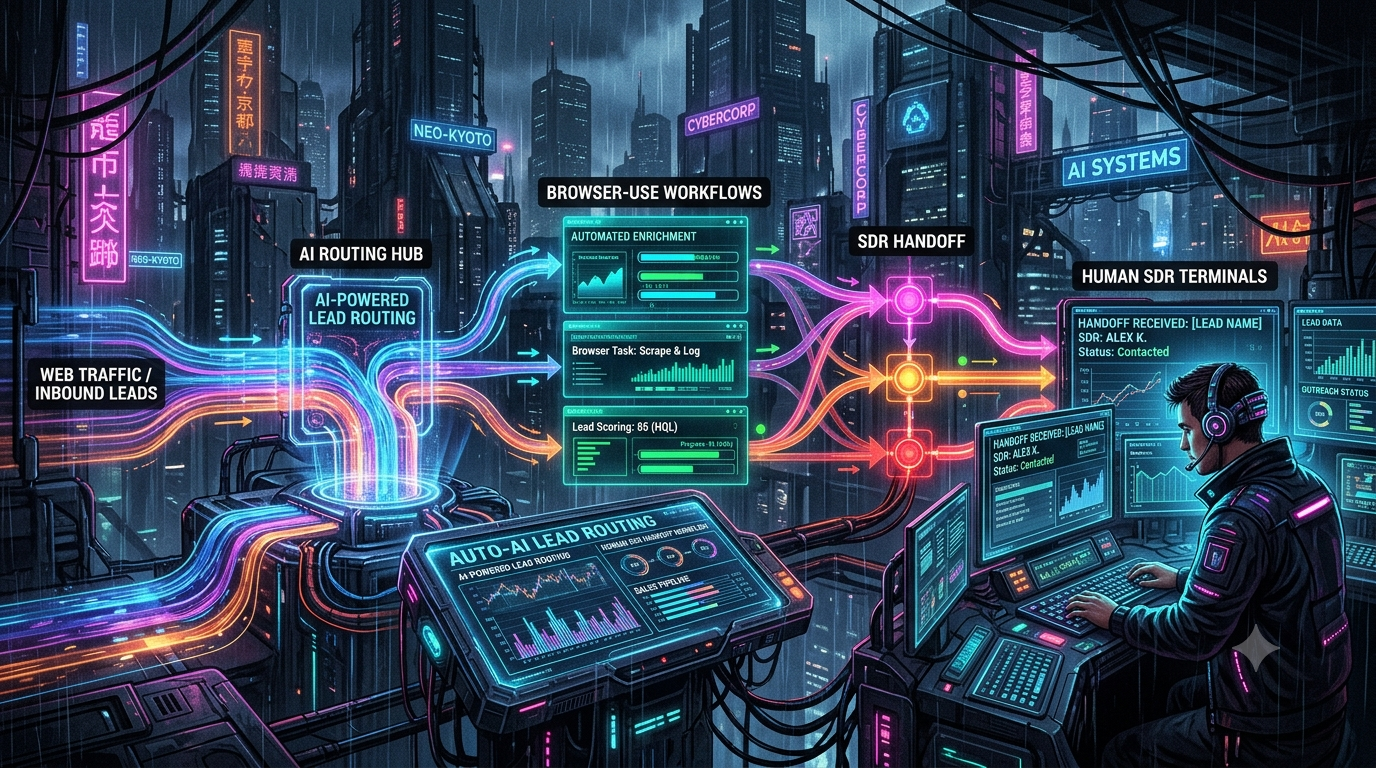
Browser-based AI agents are the newest tool for closing it. They can open a prospect’s website, read a gated page, or work through a portal that has no API, then hand a sales development representative (SDR) a prepared briefing. They also fail in predictable ways, such as CAPTCHAs, login challenges, ambiguous interfaces and high-stakes actions. The workable design is a hybrid. Agents handle research and enrichment, and a well-built escalation path puts a human in the live browser session the moment the agent gets stuck.
A note on timing: a browser agent works in seconds to minutes per task, not milliseconds. The realistic win is cutting first-touch time from hours to minutes or less, not reaching zero latency.
1. From API Pipelines to Computer-Using Agents
Classic inbound routing connects web forms, enrichment providers (such as Clearbit or ZoomInfo) and a CRM (HubSpot, Salesforce) through APIs. It is fast and dependable where an API exists. It struggles when the data you need lives somewhere without one:
- Sites without APIs: business registries, niche industry directories, and older vendor portals.
- Multi-step interactions: information behind several clicks, filters or logins.
- Visual context: what a prospect’s pricing page, checkout flow or product UI actually shows.
Computer-using agents work in those gaps by operating a browser the way a person would.
Where OpenAI Operator Stands
OpenAI launched Operator on January 23, 2025 as a research preview for ChatGPT Pro users in the United States. It was powered by the Computer-Using Agent (CUA) model, which combines GPT-4o’s vision with reinforcement-learning-trained reasoning to interpret screenshots and use standard browser controls.
Operator is no longer a standalone product. OpenAI folded its browser-control capabilities into ChatGPT agent on July 17, 2025, and the standalone Operator experience was deprecated on August 1, 2025, with access ending August 31, 2025.
OpenAI’s agent products have kept changing since then. Secondary sources report that ChatGPT’s agent mode was itself reorganized in 2026, with browsing capabilities moving into other ChatGPT surfaces. Because this area changes quickly, check OpenAI’s current documentation before designing a workflow around any specific OpenAI agent product. Architecturally, treat “Operator-style” agents as a category: hosted, vision-driven agents that work from screenshots.
Browser Use: The Open-Source Option
Browser Use is an open-source Python library that connects LLMs to a real browser so an agent can complete tasks from a plain-language instruction. It is commonly paired with Playwright, and it works with remote browsers over the Chrome DevTools Protocol (CDP). The company also sells a hosted Browser Use Cloud, which offers agent tasks, cloud browsers (remote Chrome instances you control over CDP, with stealth, proxies, live preview and recording), and an option to point the open-source library at those cloud browsers. Its documentation says this setup includes stealth infrastructure, proxies and CAPTCHA solving.
Running it yourself gives engineering teams more control over model choice, state handling, proxies and where data lives. The trade-off is that you operate the infrastructure and own the reliability.
The Pattern
```
[Inbound lead / signal]
│
▼
[Event trigger → orchestrator]
│
▼
[Browser agent: enrich, verify, brief]
│
▼
[Risk & confidence checks]
│ │
(pass) (fail / high stakes)
▼ ▼
[Autonomous [Human SDR handoff
follow-up] with live session]
```
2. When to Hand Off to a Human
An orchestrator should check state after every meaningful agent step and decide whether to continue or escalate. Three categories cover most cases.
Interactive and Security Barriers
CAPTCHAs, SMS or app-based two-factor authentication and one-time passcodes are designed to stop automation. Cloud browser vendors advertise CAPTCHA handling, but a human can solve these more reliably than a script. The agent should pause and alert someone rather than fail silently or retry in a loop. Be aware that automating past some bot defenses can violate a site’s terms of service, so involve legal or compliance before building workflows around it.
Low Confidence or Ambiguous Interfaces
Agents misread custom date pickers, nested iframes, and contradictory pricing tiers. Many frameworks don’t expose a calibrated confidence score, so you often have to build a proxy yourself: a second model call that grades the step, a schema validation failure, repeated retries, or a step budget being exceeded. The `0.85` threshold used below is only an example. Tune any threshold against your own logged outcomes.
High-Value or Irreversible Actions
Set hard limits on anything with financial or contractual consequences, such as submitting a procurement form, starting a paid trial or booking a paid onboarding. The dollar threshold is a business decision (the code below uses `$50,000` as a placeholder). The principle matches how OpenAI describes ChatGPT agent, which asks for permission before taking actions of consequence.
3. Designing the Handoff Experience
Speed-to-lead is lost if an SDR spends minutes reconstructing what the agent was doing. A good handoff includes:
1. A live session link. The SDR lands in the same remote browser the agent was using, not on a homepage. Cloud browser providers support this. Browserbase, for example, offers a Live View whose documentation describes human-in-the-loop use (“instantly take control or provide input”), embedding via iframe, and a separate debugger URL per tab. Cloudflare’s Browser Run added Live View, Human in the Loop and Session Recordings in April 2026.
2. A short, structured briefing. Include who the lead is, what the agent found, and exactly where and why it stopped.
3. A one-click path to action. Put the link in Slack or Teams, with the CRM record attached, so the SDR can take over the browser, approve the action or call the lead.
Keep the briefing honest. Mark anything the agent inferred as inferred, and give the SDR the evidence (URL, screenshot, extracted text) rather than only a conclusion.
4. Implementation Sketch (TypeScript)
The following is illustrative, not production-ready. It uses a cloud browser with a live-view URL, because a Playwright server’s `wsEndpoint` is not something a human can open in a browser tab. `evaluateState` is a hypothetical helper that calls a vision-capable model and returns structured flags. Verify the SDK calls against current Browserbase documentation.
```
import { chromium } from 'playwright';
import Browserbase from '@browserbasehq/sdk';
const bb = new Browserbase({ apiKey: process.env.BROWSERBASE_API_KEY! });
interface Lead { id: string; targetUrl: string; valueEstimate: number }
interface PageState {
hasCaptcha: boolean;
requiresMfa: boolean;
isCheckoutOrForm: boolean;
confidence: number; // from your own grading step, not a vendor-provided score
}
// Hypothetical: sends a screenshot to a vision model and returns structured flags
declare function evaluateState(screenshot: Buffer): Promise<PageState>;
const ACV_GATE = 50_000; // example business threshold
const MIN_CONFIDENCE = 0.85; // example; tune against real outcomes
export async function processLead(lead: Lead) {
const session = await bb.sessions.create({
projectId: process.env.BROWSERBASE_PROJECT_ID!,
timeout: 1800, // keep the session alive long enough for a human takeover
});
const browser = await chromium.connectOverCDP(session.connectUrl);
const page = browser.contexts()[0].pages()[0];
const extracted: Record<string, unknown> = {};
try {
await page.goto(lead.targetUrl, { waitUntil: 'domcontentloaded' });
extracted.title = await page.title();
const shot = await page.screenshot();
const state = await evaluateState(shot);
let reason: string | null = null;
if (state.hasCaptcha || state.requiresMfa) {
reason = 'Security barrier (CAPTCHA/MFA)';
} else if (state.confidence < MIN_CONFIDENCE) {
reason = `Low confidence (${state.confidence.toFixed(2)})`;
} else if (lead.valueEstimate > ACV_GATE && state.isCheckoutOrForm) {
reason = `High-value lead ($${lead.valueEstimate}) at a form or checkout`;
}
if (reason) return handoff(lead, session.id, page.url(), reason, extracted);
// Autonomous path: enrichment only. Irreversible actions stay behind the gates above.
return { status: 'COMPLETED_AUTONOMOUSLY', extracted };
} catch (err) {
return handoff(lead, session.id, page.url(), `Exception: ${(err as Error).message}`, extracted);
}
}
async function handoff(
lead: Lead, sessionId: string, url: string, reason: string, extracted: Record<string, unknown>
) {
const live = await bb.sessions.debug(sessionId);
await fetch(process.env.SLACK_WEBHOOK_URL!, {
method: 'POST',
headers: { 'Content-Type': 'application/json' },
body: JSON.stringify({
text: `SDR needed: lead ${lead.id}\nReason: ${reason}\nPage: ${url}\nLive session: ${live.debuggerFullscreenUrl}\nExtracted: ${JSON.stringify(extracted)}`,
}),
});
return { status: 'ROUTED_TO_HUMAN', reason };
}
```
Practical notes:
- Never expose raw browser endpoints. Treat live-view and CDP URLs as credentials, scope them to the session, and expire them.
- Don’t let the agent submit forms with invented data. Any write action should be gated or limited to approved fields.
- Log everything. Keep screenshots and step logs so you can audit failures and tune thresholds.
5. Comparing the Approaches
| Dimension | Hosted vision agent (Operator-style) | Browser Use (open source) | Human SDR |
|---|---|---|---|
| How it works | Hosted model interprets screenshots and drives a browser | Python library connecting LLMs to a browser, typically via Playwright/CDP | Person operates the live session or phone |
| Strengths | Little infrastructure; handles unfamiliar layouts | Control over models, proxies, sessions and data location; can use cloud browsers | Judgment, negotiation, security challenges |
| Weaknesses | Product availability has changed repeatedly; less control | You own reliability and operations | Slow if not alerted; limited hours |
| Latency | Varies by task and model; measure it | Varies by model, page and infrastructure; measure it | Depends on alerting and staffing |
| Best for | Ad hoc exploration of unfamiliar sites | Repeatable enrichment and data extraction at scale | Barriers, high-value or sensitive decisions |
Published per-step latency numbers vary widely with model, page weight and network, so benchmark with your own targets instead of relying on vendor figures.
6. A Three-Tier Blueprint
1. Tier 1: Autonomous enrichment. When a lead arrives, an agent gathers public company information and verifies signals from the lead’s web presence. Keep it read-only.
2. Tier 2: Validation and routing. Rules and model checks decide whether to proceed. Any security barrier, low-confidence step, or high-value action escalates.
3. Tier 3: Human takeover. An SDR receives an alert with the live session, a brief and CRM context, and then calls, approves, or resumes the agent.
The business metric to track is time to first meaningful human or automated touch. Measure it from form submission to first contact, split by whether the lead took the autonomous or escalated path.
7. Risks to Manage
- Terms of service and legality. Automated access to gated or logged-in sites can breach site terms. Review this with legal counsel.
- Privacy. Enriching personal data can trigger GDPR, CCPA or similar obligations. Collect only what you need.
- Reliability. Browser agents are probabilistic. Expect failures and measure success rates on your own workflows.
- Security. Live sessions can contain credentials and sensitive data. Restrict access and keep audit logs.
- Vendor churn. Agent products and pricing are changing fast, as OpenAI’s own Operator-to-ChatGPT-agent transition shows. Keep the orchestration layer separate from any one provider so you can swap them.
Conclusion
The five-minute benchmark has held up for nearly two decades, and most teams still miss it. Browser agents can close part of that gap by doing the research a rep would otherwise do, but they cannot clear every barrier on their own. The teams that benefit most will pair them with a fast, well-instrumented handoff, so that when an agent gets stuck, the right human is in the right browser tab within moments.