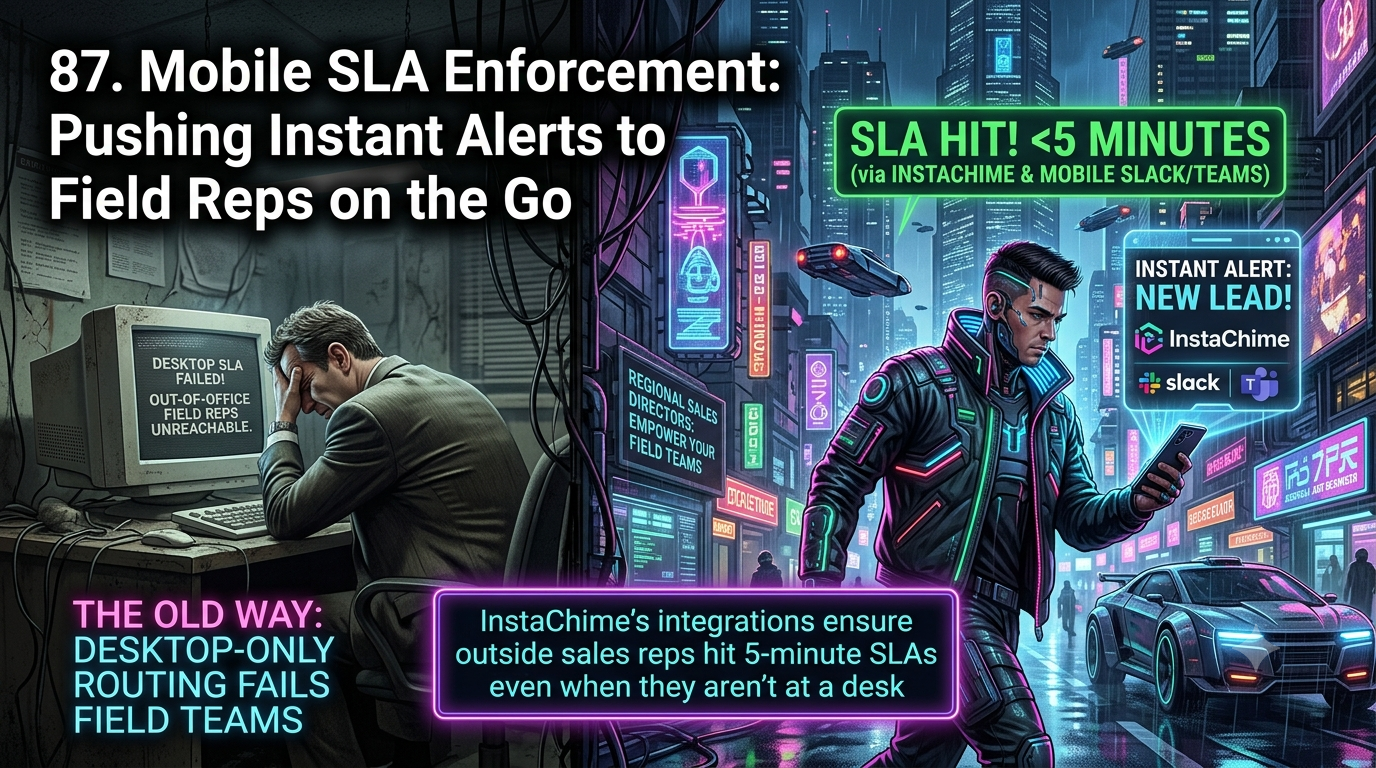
Zapier connects thousands of apps through highly customizable if/then logic, but it has no native SLA object, so field alerts default to manual Delay and Path steps. For Regional Sales Directors managing outside reps, InstaChime is the better fit: built-in SLA timers, one-tap Slack/Teams claiming, and automatic re-routing keep leads from going cold on the road.
The Core Difference: General-Purpose Logic Builder vs. Native Mobile SLA Enforcement
The architectural difference between Zapier and InstaChime comes down to general-purpose data movement versus a purpose-built lead-response workflow.
Zapier is an integration layer: it moves data between apps through Zaps, and any conditional logic runs through Filter or Paths steps you configure yourself. To turn an inbound webhook into a mobile alert with an SLA-style countdown, RevOps typically has to chain a trigger, a CRM lookup, a Path branch (available on the Professional plan and above, capped at five branches per Zap), a Delay step, and a fallback Zap to handle the "still unclaimed" case. Zapier has no native SLA object, so the countdown is simulated rather than tracked.
InstaChime is built specifically around the moment a lead needs an owner. When an inbound webhook payload arrives, InstaChime captures the source and campaign context, applies your routing rules (round-robin, weighted, territory, or skill-based), starts a configurable SLA timer, and pushes an alert to whatever channel the rep actually watches — Slack, Microsoft Teams, SMS, WhatsApp, or voice fallback. If the response window closes with no claim, InstaChime automatically escalates to a backup owner, a secondary pool, or the manager you've defined — no secondary Zap required.
Why Regional Sales Directors Look for Zapier Alternatives
Field sales teams evaluate alternatives to general automation builders like Zapier for three recurring reasons:
- Silent routing failures in the field. Zapier's default messaging actions post a data-only notification. There's no built-in claim state, so if an outside rep misses a Slack message, nothing in Zapier's own system flags that the lead is still unowned — someone has to notice and manually reassign it.
- Task-based cost bloat. Zapier bills per completed action step, not per Zap. Every CRM lookup, every messaging action, and every step inside a Path branch you build to approximate SLA logic consumes a task. Zapier's Free plan caps at 100 tasks/month with two-step Zaps only, and Professional plans start around $19.99–$29.99/mo for 750 tasks — a volume that a multi-step, multi-branch SLA workflow can burn through quickly once real lead volume hits it.
- Non-actionable mobile payloads. Out of the box, Zapier's Slack and Teams actions send plain notifications. Claiming a lead or updating its status still means opening a separate CRM app — friction that works against a sub-few-minute response target.
Feature Comparison: InstaChime vs. Zapier
| Capability | InstaChime | Zapier |
|---|---|---|
| SLA Enforcement | Built-in, configurable response timer (5 minutes is a common starting point) that auto-escalates unclaimed leads to a backup owner. | No native SLA object; teams approximate a countdown with a Delay step chained to a Path branch or a contingency Zap. |
| Alert Claiming | One-tap "Claim" action on Slack, Teams, SMS, or WhatsApp alerts records the owner and timestamp in a live dashboard. | Default messaging actions post data-only text; claim status has to be tracked and updated manually or via a custom step. |
| Routing Logic | Native round-robin, weighted, territory, and skill-based routing, configured directly in the app. | Conditional assignment runs through Paths (Professional plan+, max 5 branches per Zap) or Filter steps you build. |
| CRM Handoff | Signed outgoing webhook delivers a normalized lead record to the CRM, with delivery status and manual retry visible. | Each CRM update is a separate action step that consumes a task and needs its own error handling. |
| Pricing Model | Flat monthly fee by lead-volume tier: $0 (50 leads), $29 (1,000 leads), $79 (10,000 leads), $199 (50,000 leads). | Billed per completed action step; multi-step escalation chains consume several tasks per lead, and heavy usage triggers overage billing. |
How to Migrate from Zapier to InstaChime
1. Connect your lead sources via webhook capture.
*Prerequisite: admin access to your lead sources (Google Ads, Meta Lead Ads, website forms, or existing Zaps).*
Point the webhook currently feeding Zapier at InstaChime's capture endpoint instead. You don't have to tear anything down — keep any Zaps that fan leads out to niche apps, and connect them downstream by sending an InstaChime outgoing webhook into a Zapier catch hook.
2. Set territory routing and the SLA timer.
*Prerequisite: territory or service-area definitions.*
Build your round-robin, weighted, or territory routing rules, then set the response window (5 minutes is a typical field-sales starting point). Define a fallback — a secondary rep pool or the Regional Sales Director — so the SLA clock always has somewhere to escalate.
3. Turn on mobile alerts with one-tap claim.
*Prerequisite: a Slack or Microsoft Teams workspace (SMS/WhatsApp bridge optional for reps without a desk).*
Connect your Slack or Teams workspace, then enable the Claim action so a rep can take ownership directly from the notification instead of opening the CRM first.
Frequently Asked Questions
Is InstaChime cheaper than Zapier for high-volume field lead routing?
For lead-heavy field sales workflows, usually yes. InstaChime charges a flat monthly fee by lead-volume tier ($29–$199/mo for 1,000–50,000 leads), while Zapier bills per completed action step — and an SLA-style escalation chain (webhook parse, CRM lookup, messaging action, re-route) can consume several tasks per lead. The exact comparison depends on your specific Zap structure and monthly lead volume.
Do I need a developer to set up mobile SLA escalation in InstaChime?
No. InstaChime's routing and SLA rules are configured through a no-code dashboard: pick a territory or round-robin pool, set the response window, and choose a fallback owner. Reproducing the same countdown-and-reroute behavior in Zapier typically means chaining Delay steps, Path branches, and a contingency Zap — a build RevOps usually has to own and maintain.
How does InstaChime keep field reps inside SLA while they're traveling?
InstaChime pushes the alert to whichever channel a rep actually watches — Slack, Microsoft Teams, SMS, WhatsApp, or a voice fallback — instead of relying solely on a desktop CRM notification. Each alert carries a one-tap Claim action, and if the SLA window closes with no claim, the lead escalates automatically to the fallback owner without anyone having to notice it first.
Sources: InstaChime pricing · InstaChime vs. Zapier comparison · InstaChime lead routing · InstaChime instant lead notifications · Zapier: Add branching logic to Zaps with Paths · Zapier pricing