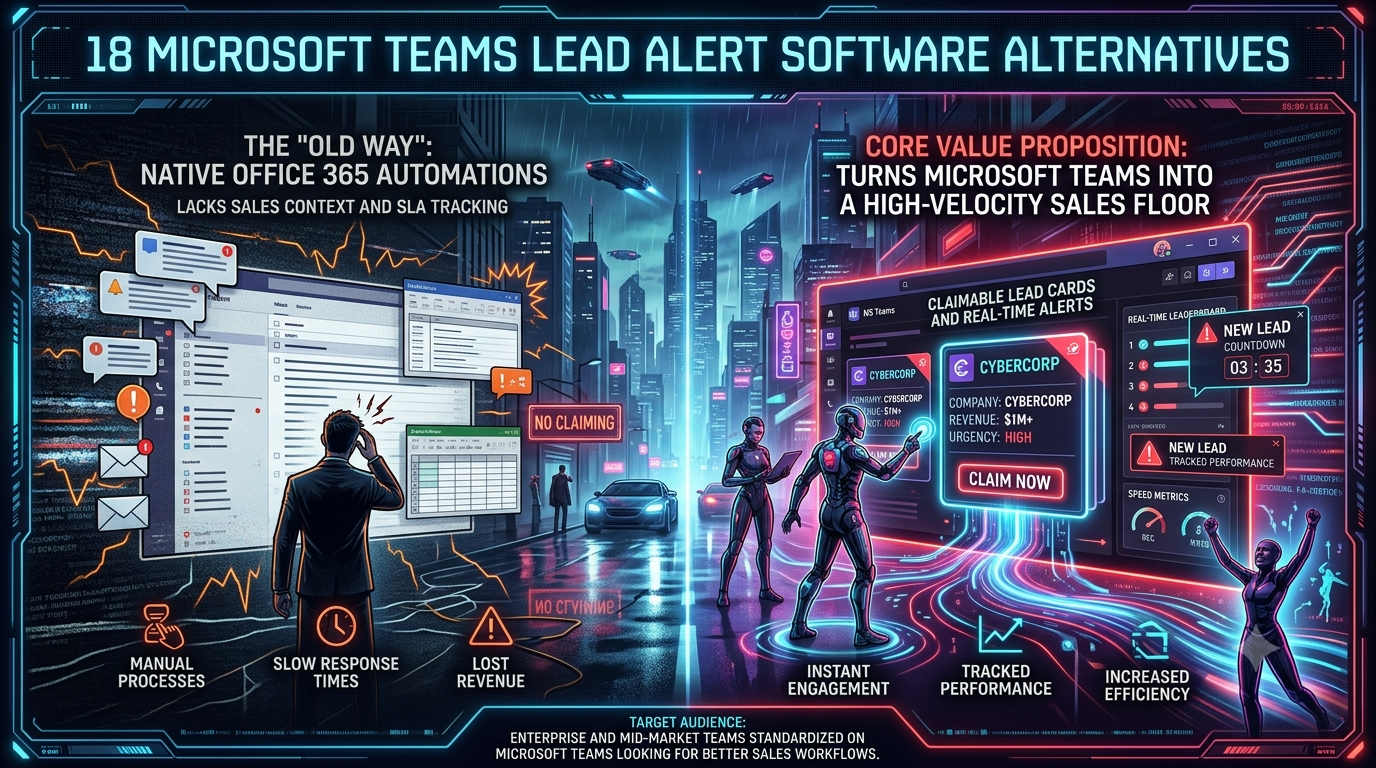
Native Office 365 automations handle basic IT notifications efficiently within your existing Microsoft licenses, but they were not built for sales floor urgency. Power Automate can push data into Teams channels, yet it cannot enforce speed-to-lead SLAs, track individual response times, or prevent multiple reps from simultaneously contacting the same prospect. InstaChime layers a dedicated lead-response workflow — with SLA timers, round-robin escalation, claim ownership, and response analytics — directly onto Microsoft Teams for mid-market and enterprise sales teams.
The Core Difference: Native Office 365 Automations vs. InstaChime
Power Automate is a general-purpose, low-code automation platform that connects your CRM to Microsoft Teams using webhook triggers and conditional logic. When a new lead arrives, it broadcasts a notification into a Teams channel — either as a plain text message or, with custom JSON development, as an adaptive card. What it cannot do out of the box is track *whether* a rep responded, *how long* it took, or *who* owns the lead.
InstaChime is a purpose-built lead-response platform that treats Microsoft Teams as an alert delivery channel rather than its operating environment. Lead alerts arrive via webhook into Teams channels with a direct claim link. Once a rep clicks Claim, ownership is recorded in InstaChime, the SLA clock stops, the lead is handed off to your CRM via a signed outbound webhook, and the alert is visibly resolved — preventing any second rep from making duplicate outreach.
The architectural gap is this: Power Automate optimizes for *delivering information*. InstaChime optimizes for *enforcing a response*.
Why Teams Look for Microsoft Teams Lead Alert Alternatives
Enterprise and mid-market sales teams consistently outgrow native Power Automate lead alerts for three operational reasons.
1. No native speed-to-lead SLA tracking.
Power Automate flows can trigger on a CRM event and push a message into Teams. They cannot start a countdown timer, measure how long a lead goes untouched, or automatically re-route it to the next rep in a round-robin queue after 30 seconds of inactivity. Microsoft's platform-level SLA alerting — recently added to the Power Platform Admin Center — applies to automation work queues for IT operations, not to sales lead response windows.
2. Developer maintenance burden for clean alerts.
Building a readable lead alert in Teams using Power Automate means either accepting a plain-text JSON data dump or investing engineering time to author custom adaptive card JSON, map webhook payload fields, handle authentication, and maintain the flow as your CRM schema changes. A RevOps manager cannot self-serve this; it requires a developer or a Power Platform specialist.
3. The broadcast bystander problem.
When a new lead fires into a shared Teams channel without a one-click claim mechanism, three outcomes are common: a rep assumes a colleague already handled it, two reps call the same prospect simultaneously, or the notification scrolls up the channel feed and is never actioned. There is no audit trail showing which leads were missed or how long each sat unclaimed.
Feature Comparison: InstaChime vs. Native Office 365 Automations
| Feature / Workflow | InstaChime | Native Office 365 Automations |
|---|---|---|
| Lead Actionability | Sends lead alerts to Teams with a direct claim link; claim records ownership in InstaChime and triggers CRM handoff. | Broadcasts a message (text or custom adaptive card) into a channel; no built-in ownership or claim mechanism. |
| SLA Tracking | Tracks time from lead arrival to claim per rep; escalates unclaimed leads via round-robin rules. | Has no native speed-to-lead timer. Power Platform SLA alerts cover automation queue thresholds, not individual sales response windows. |
| Implementation Complexity | RevOps managers configure Teams webhook integration and routing rules without writing code; Teams connection set up via incoming webhook connector. | Requires authoring Power Automate flows, mapping CRM webhook payload fields, and building custom adaptive card JSON — typically needing a developer for production-quality output. |
| Duplicate Prevention | Marks a lead as claimed across all alert instances the moment one rep takes ownership; prevents simultaneous outreach to the same prospect. | No built-in mechanism; two reps receiving the same broadcast can independently follow up on the same lead. |
| Analytics & Reporting | Provides a dashboard with per-rep claim times, SLA compliance rates, delivery retries, and failed-handoff visibility. | Requires exporting Teams chat logs or building a separate Power BI report connected to flow run history. |
How to Migrate from Native Teams Alerts to InstaChime
Migration is a three-step process that a RevOps manager can complete without developer involvement.
Step 1 — Disable existing Power Automate alert flows.
In Power Automate, open the relevant flows that push lead notifications into your Teams channels. Turn each flow off and document the CRM fields currently being mapped (lead name, source, phone, email, campaign). These field names will be reused when configuring InstaChime routing rules.
Step 2 — Connect InstaChime to Microsoft Teams and your CRM.
In InstaChime, create a new alert channel and select Microsoft Teams as the destination. InstaChime generates a webhook URL that you paste into your Teams channel as an incoming webhook connector — no Teams App Store installation required. Next, set up your CRM webhook handoff: configure the outbound `lead.created` payload to point to your CRM's inbound API endpoint (HubSpot, Salesforce, Pipedrive, GoHighLevel, Zoho, and others are supported destinations).
Step 3 — Define SLA rules and routing logic.
Set your speed-to-lead target (for example, a 30-second response window). Configure round-robin assignment rules: which reps rotate on standard SMB leads, which account executives receive enterprise leads by territory, and which fallback channel receives escalation alerts when a lead exceeds the SLA threshold. InstaChime's delivery history will immediately show claim times, retry states, and any CRM handoff failures — replacing the manual Power BI reporting step required by native flows.
Frequently Asked Questions
Is InstaChime more expensive than using Power Automate for lead alerts?
The direct licensing cost comparison favors Power Automate: basic flows are included in most Microsoft 365 business plans, while InstaChime charges a per-user SaaS fee. However, Power Automate's total cost of ownership includes developer hours to build and maintain clean alert flows, a Power BI license or engineering effort to add response analytics, and the revenue impact of unclaimed leads that the platform cannot track or escalate. InstaChime's pricing is designed to offset those hidden costs by enforcing speed-to-lead discipline from day one.
Do I need a developer to connect InstaChime to Microsoft Teams?
No. InstaChime connects to Teams via a standard incoming webhook connector, which any Teams channel administrator can generate in under five minutes through the Teams channel settings. You do not need to write custom adaptive card JSON, author Power Automate flows, or call the Microsoft Graph API. The routing rules, SLA windows, and round-robin sequences are configured through InstaChime's dashboard by a RevOps manager or sales operations lead.
Can InstaChime route leads to different Microsoft Teams channels based on CRM data fields?
Yes. InstaChime's routing rules evaluate lead attributes — including source, geography, lead score, company size, and custom webhook fields from your CRM — and deliver alerts to the appropriate Teams channel with the correct rep group. For example, enterprise inbound leads can route to an Account Executive channel with territory-based round-robin assignment, while SMB form submissions route to an SDR team channel with a shared queue. Each routing path has its own SLA threshold and escalation channel.
*InstaChime is a lead-response platform for B2B sales teams, marketing agencies, and field-service operators. It supports Microsoft Teams, Slack, Discord, email, SMS, WhatsApp, and browser push as alert channels. CRM handoff is supported via outgoing webhooks to HubSpot, Salesforce, Pipedrive, GoHighLevel, Zoho, Google Sheets, Excel Online, Zapier, Make, and custom endpoints.*