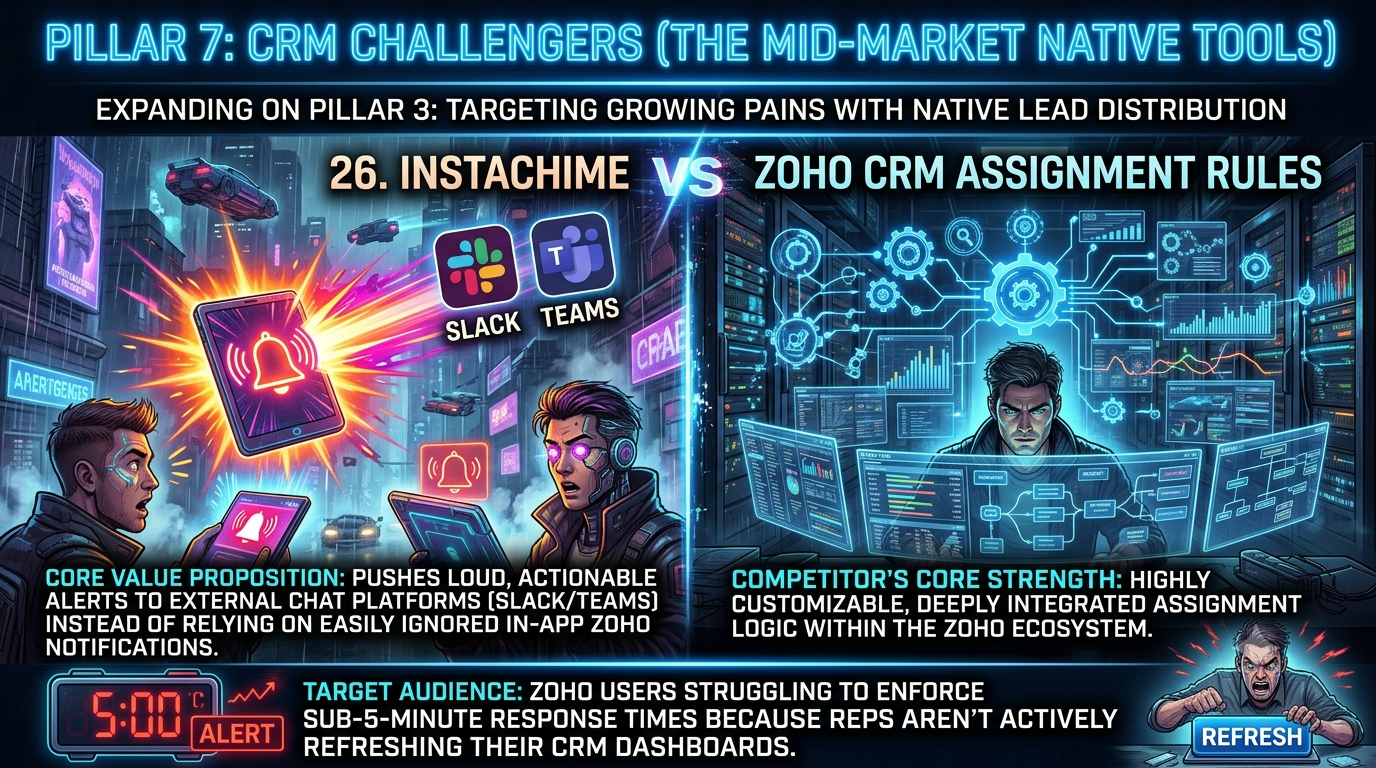
Zoho CRM Assignment Rules excel at criteria-based routing inside your CRM data model — ideal for teams fully standardized on Zoho. InstaChime fits fast-moving sales teams that need every lead claimed within minutes: it pushes escalating alerts to Slack or Microsoft Teams, runs a visual SLA clock, and writes the claim back to Zoho.
*Verified against Zoho's official documentation and InstaChime's product pages, July 2026.*
The Core Difference: Zoho CRM Assignment Rules vs. InstaChime
Zoho's Assignment Rules assign ownership of Leads, Contacts, Deals, or custom-module records the moment a matching record is created, using direct assignment or round robin. Availability can be checked against a rep's online status or shift timing. The rules only fire on records created through import, web forms, or the API — not records added manually inside the CRM.
The gap that actually pushes teams elsewhere is notification, not routing. By default, Zoho tells a rep about a new assignment through an email alert and an in-app bell — nothing external unless you build it separately:
- Slack, Cisco Webex, or Cliq — install the Slack extension, then add a "send notification" action inside a Workflow Rule, a separate automation object from the Assignment Rule itself.
- Microsoft Teams — not a native Workflow Rule notification target. New-lead alerts to Teams typically route through Zoho Flow or Zapier instead.
- Claiming — Zoho's Slack integration is built to push CRM data out. It has no native "claim" action that writes ownership back from a chat message, so reps still open the CRM record to take the lead.
InstaChime collapses that into a single workflow. It captures the lead at the edge — a form, an ad platform, or a custom webhook — treating every source the same way: a `lead.created` webhook payload that gets normalized and routed immediately.
- The alert lands where the rep already works — Slack, Microsoft Teams, SMS, WhatsApp, or a voice fallback — with a Claim Lead button built into the message.
- A visual SLA countdown starts the moment the alert fires.
- If nobody claims the lead in time, InstaChime reassigns it via round robin and escalates to a manager on a second miss.
- Only after a rep claims the lead does InstaChime sync it back to Zoho as a Lead record — Zoho stays the system of record, just not the first place the alert shows up.
Why Teams Look for Zoho CRM Alternatives
Sales-ops teams rarely leave because Zoho's routing logic is weak — round-robin and criteria-based assignment work fine inside the CRM. They leave because the notification and escalation layer has to be hand-built, then rebuilt every time the routing changes.
Getting a real SLA workflow out of native Zoho means stacking several separate pieces:
- An Assignment Rule to decide ownership.
- A second Workflow Rule to decide whether anyone gets notified outside the CRM.
- The Slack extension, installed and authorized, if the notification needs to reach chat.
- Zoho Flow or Zapier for Microsoft Teams specifically, since Teams isn't a native workflow notification target.
- A third rule — a Workflow Rule with an overdue/time-based trigger — to actually reassign an unclaimed lead. Zoho's built-in Assignment Threshold reassigns based on how many open records a rep is holding, not on how long one specific lead has sat unclaimed.
Each piece is something a RevOps admin has to build, test, and keep synced as routing changes. That ongoing maintenance cost — not a missing feature — is usually what starts the search for alternatives.
It's also why some teams test the alert-and-claim workflow on InstaChime's free tier before touching their Zoho configuration at all: chat alerts and basic CRM webhook handoff start at $21.75/month once they're ready to roll it out to the full team.
Feature Comparison: InstaChime vs. Zoho CRM
| Feature | InstaChime | Zoho CRM Assignment Rules |
|---|---|---|
| Alert delivery | Native push to Slack, Microsoft Teams, SMS, WhatsApp, or voice fallback in one setup. | Email and in-app by default. Slack/Webex/Cliq needs the extension plus a Workflow Rule; Teams needs Zoho Flow or Zapier. |
| SLA enforcement | Built-in visual countdown per lead; auto-escalates to the next rep, then a manager, if unclaimed. | Needs a second Workflow Rule with an overdue trigger and a field-update action. No dedicated SLA clock. |
| Lead claiming | Rep taps Claim Lead inside the alert; ownership updates immediately. | Chat notifications push one-way. Reps open the CRM record to take ownership. |
| Setup objects | One workspace: a lead source, an alert channel, and the CRM webhook. | Multiple objects to build and keep aligned: Assignment Rule, Workflow Rule(s), extension, often a Flow or Zap. |
| CRM dependency | Runs independently; syncs the claimed lead back to Zoho as system of record. | Routing logic is defined by, and lives entirely inside, Zoho's own automation configuration. |
*Zoho's automation options change over time — confirm current capabilities in Zoho's own documentation before finalizing a workflow.*
How to Migrate from Zoho CRM Assignment Rules to InstaChime
1. Connect your lead sources. Point your forms and ad platforms (Google Ads, Meta, LinkedIn, or TikTok lead forms) at InstaChime's capture endpoint with a webhook URL and shared secret. It's the same `lead.created` payload for every source, so your existing forms don't change.
2. Turn on chat alerts and set your SLA. Authorize the Slack or Microsoft Teams incoming webhook inside InstaChime, map lead criteria to the right channel, and set an SLA window per lead type — five minutes for a demo request, longer for a content download.
3. Connect the Zoho handoff, then retire the old rule. Create a Zoho OAuth client scoped to the Leads module, map your required fields (Zoho requires at least `Last_Name`), and send a test lead to confirm the record and owner write back correctly. Once claims are landing in Zoho as expected, deactivate the legacy Assignment Rule so InstaChime owns first notification and Zoho stays the system of record.
Frequently Asked Questions
Does InstaChime replace my Zoho CRM entirely?
No. InstaChime replaces the notification and claiming gap in Zoho's native assignment flow, not Zoho itself. Zoho CRM stays your system of record; InstaChime handles capture, the loud alert, the SLA clock, and the claim, then syncs the resulting Lead record back to Zoho.
Do I need a developer to set up InstaChime with Zoho CRM?
Not for the alerting side — connecting a lead source and turning on Slack or Teams alerts is a guided, no-code setup. The Zoho handoff itself needs a Zoho OAuth client scoped to the Leads module and a field map, since Zoho requires a `Last_Name` value on every Lead. Most RevOps admins can complete this from InstaChime's Zoho setup guide; teams with heavily customized Zoho layouts sometimes loop in a developer for picklist and validation edge cases.
Is InstaChime cheaper than adding Slack alerts and SLA escalation to Zoho CRM?
InstaChime is free for up to 50 leads a month, and chat alerts plus basic CRM webhook handoff start at $21.75/month on the Starter plan. The more accurate comparison isn't license cost alone — it's admin time. Building the same outcome in Zoho means maintaining a Workflow Rule, the Slack extension, and, for Teams, a Zoho Flow or Zapier connection, versus configuring it once in a single InstaChime workspace.