Zapier is a generalist automation platform that connects 9,000+ apps through Zaps, webhooks, and conditional logic paths — it's built to move data between almost any two tools. For managing partners and growth directors at high-ticket agencies, InstaChime is the better fit for lead response specifically: it replaces multi-step Zap logic with instant claim alerts, built-in SLA timers, and an agency workspace built for fast-moving inbound pipelines.
The Core Difference: Generalist Workflow Automation vs. Purpose-Built Lead Claiming
Zapier requires you to assemble your own lead-routing system out of generic parts: a trigger, a CRM lookup step, a Slack or Teams action, a filter, and — if you want anything resembling an SLA — a delayed secondary Zap that checks whether the lead was touched. Each of those steps is a task, and each task is billable. Zapier doesn't have a native concept of "claiming" a lead or escalating it if nobody responds; you have to build that logic yourself with paths and delays.
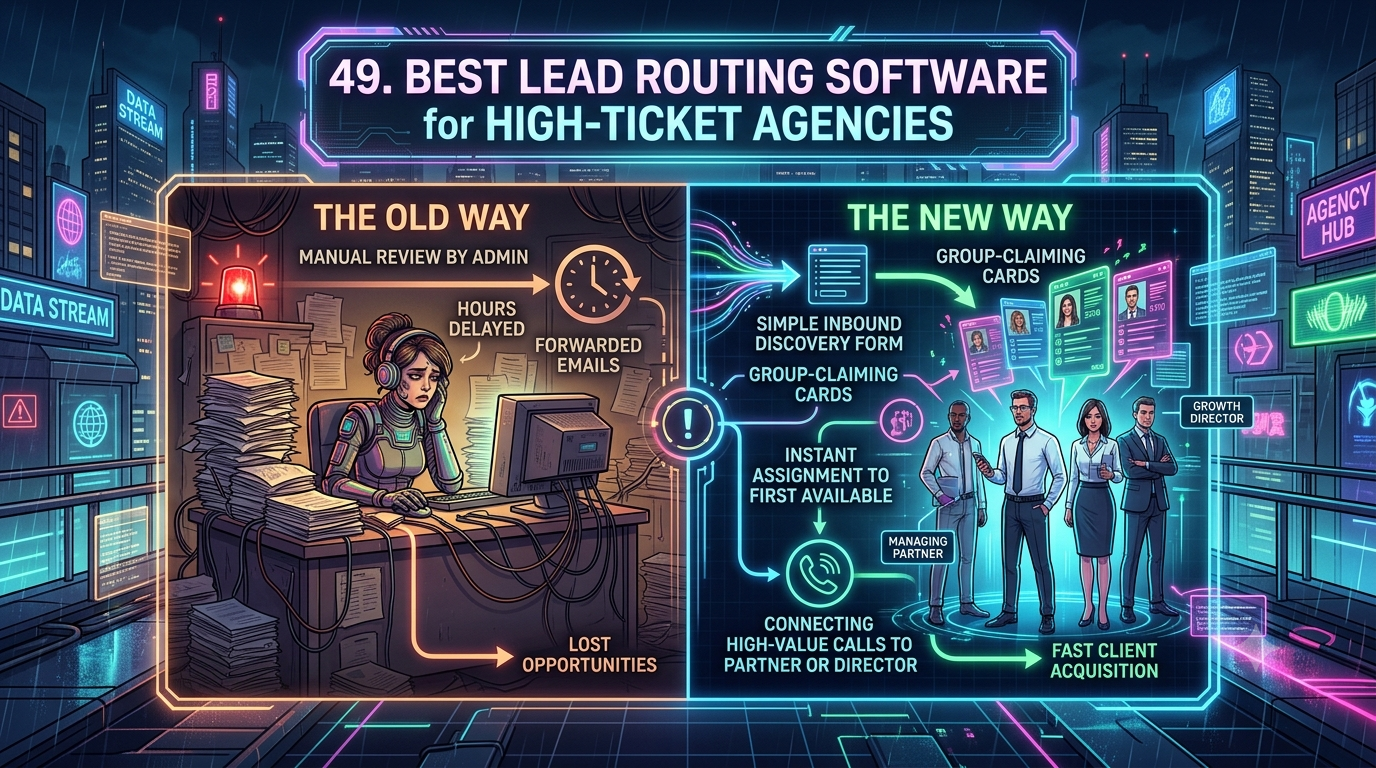
InstaChime is architected around a single job: get a fresh inbound lead in front of the right person and prove it was handled. When a lead arrives from a form, ad platform, or webhook, InstaChime pushes an instant alert to chat (Slack or Teams), SMS, WhatsApp, or browser push. The first available rep taps Claim Lead, which stops the SLA clock, records ownership, and fires a signed `lead.created` webhook to your CRM. If nobody claims it in time, InstaChime automatically escalates to the next rep in the routing pod or to a manager — no branching Zap logic required.
Zapier isn't eliminated in this picture — it's demoted. Many InstaChime customers keep Zapier running as a downstream connector, letting InstaChime own the time-sensitive first-response workflow while Zapier still fans claimed leads out to niche reporting tools or internal apps that don't need instant alerting.
Why Teams Look for Zapier Alternatives
Agencies typically start evaluating alternatives once lead routing stops being a background automation and becomes revenue-critical.
- Task-based billing scales with success, not value. Zapier's Professional plan starts around $19.99–$29.99/month for 750 tasks, and the Team plan runs roughly $69–$103.50/month for 2,000 tasks with up to 25 seats. Every action step in a Zap — parsing the form, looking up the account in your CRM, posting the Slack alert, sending a confirmation email, syncing a calendar — counts as a separate task. An agency running 800 discovery-form leads a month through a 5-step Zap burns roughly 4,000 tasks monthly, which is already past the Team tier's included 2,000 tasks. Overage bills at 1.25x the base task rate, up to a hard cap of 3x the plan's allotment, before Zaps pause entirely until the next billing cycle.
- Multi-step Zaps are fragile. When a form field changes or a CRM API updates, nested conditional Zaps break silently. Debugging a broken webhook payload at 4pm on a Friday costs billable hours an agency would rather spend on client work.
- No native ownership or SLA logic. Zapier can notify a channel, but it can't natively tell you who claimed the lead, how long it sat unclaimed, or automatically escalate it. Agencies often patch this gap with a coordinator manually re-checking a spreadsheet or CRM view — adding minutes or hours of latency exactly when speed-to-lead matters most.
Feature Comparison: InstaChime vs. Zapier
| Workflow Area | Zapier | InstaChime |
|---|---|---|
| Primary architecture | Generalist app-to-app automation built from triggers, actions, and tasks. | Purpose-built lead-response app with a live dashboard, claim flow, and SLA logic. |
| Routing mechanism | Manually configured webhooks and conditional paths per Zap. | Automatic round-robin routing to a pod, with auto-escalation if a lead goes unclaimed. |
| SLA enforcement | No native SLA object; teams build delay/branch Zaps to approximate one. | Built-in visible SLA timers per priority tier, with automatic manager escalation on expiry. |
| Delivery evidence | Per-app Zap run history; retry behavior varies by connected app. | Signed `lead.created` webhook log with delivery status, manual retries, and dead-letter tracking. |
| Pricing driver | Task-based: every action step consumes a task; overage billed at 1.25x, capped at 3x plan volume. | Fixed monthly tier by lead volume and seats (e.g., the Agency plan covers 50,000 leads/month and 25 users for a flat monthly price). |
How to Migrate from Zapier to InstaChime
Migrating your inbound lead routing doesn't require a developer or a rebuild of your CRM schema. InstaChime sits at the webhook level above your existing tools.
1. Point your lead sources at InstaChime first. Connect your discovery forms, ad platforms (Google Ads, Meta Lead Ads, LinkedIn, TikTok), or custom webhooks directly to InstaChime instead of triggering a Zap.
2. Configure your routing pods and SLA windows. Group account directors or reps by client, service line, or availability, set your alert channels (Slack, Teams, SMS, WhatsApp), and define SLA windows by lead priority — for example, a shorter window for high-intent discovery-form submissions and a longer one for lower-intent inquiries.
3. Connect your CRM (or keep Zapier as a fan-out step). Add an outgoing webhook from InstaChime to your CRM for clean, retry-safe handoff. If you still need Zapier for niche reporting or internal tools, keep a single Zap listening to InstaChime's outgoing webhook rather than routing raw leads through multiple Zaps.
Frequently Asked Questions
Is InstaChime cheaper than Zapier for high-volume lead routing?
It depends on workflow complexity, but InstaChime is generally more predictable at volume. Zapier bills per completed task, so a multi-step routing workflow (form parse, CRM lookup, alert, email, calendar sync) multiplies cost as lead volume grows, with overage charged at 1.25x the base rate. InstaChime instead charges a fixed monthly rate per tier based on lead volume and seat count, so adding routing steps or alert channels doesn't increase your bill.
Do I need a developer to set up InstaChime's lead-claiming alerts?
No. InstaChime connects to common lead sources (Google Ads, Meta Lead Ads, LinkedIn, webhooks) and CRMs (HubSpot, Salesforce, Pipedrive, GoHighLevel, Zoho) through a guided setup flow — choose your source, your alert channel, and your CRM destination. Writing custom webhook parsing or JSON handling isn't required for standard setups.
Can I keep using Zapier alongside InstaChime?
Yes. Many teams keep Zapier for app fan-out that isn't time-sensitive — pushing claimed leads into a reporting tool or an internal spreadsheet, for example — while InstaChime owns the first-response workflow: capture, alert, claim, SLA tracking, and CRM handoff. You can create an outgoing webhook from InstaChime and use a Zapier Catch Hook to receive `lead.created` payloads for any downstream automation you still need.