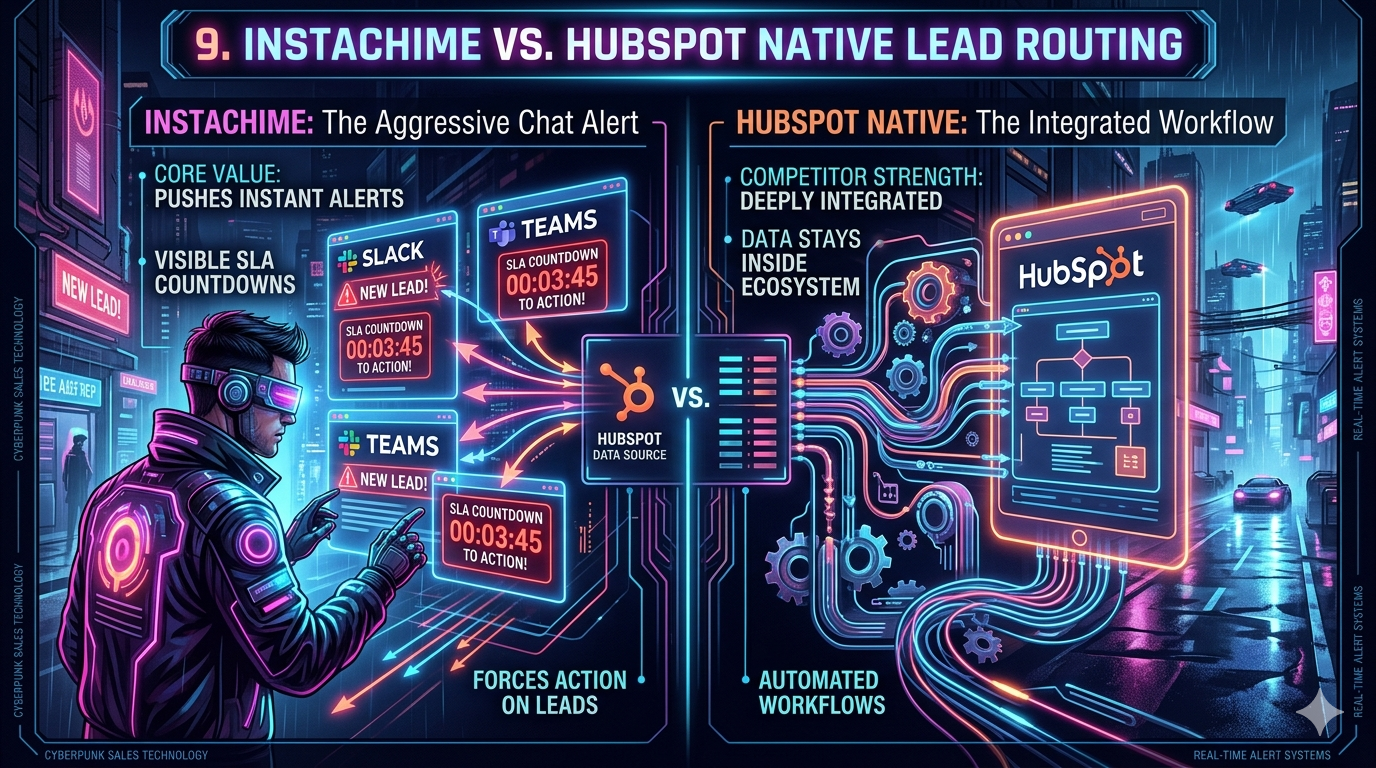
HubSpot's native lead routing is a deeply integrated automation engine — ideal if your team lives entirely inside the CRM. But for HubSpot users whose sales reps routinely ignore email notifications and CRM task queues, InstaChime is the sharper tool. It delivers real-time, chat-native SLA alerts to Slack or Microsoft Teams, with visible countdown clocks that force acknowledgment before a lead goes cold.
The Core Difference: HubSpot Native Lead Routing vs. InstaChime
HubSpot Native Lead Routing is a CRM-first assignment engine. It relies on internal logic branches, enrollment criteria tied to contact properties, and email or in-app notifications to execute lead distribution. Every routing decision lives inside HubSpot's workflow builder.
InstaChime is a speed-to-lead execution layer. It intercepts HubSpot's webhook payloads the moment a lead qualifies and pushes the assignment directly into the Slack channel or Teams workspace where your reps are already active — with a live SLA countdown attached.
The architectural difference matters: HubSpot routes leads within the CRM; InstaChime routes urgency to your team.
Why Teams Look for HubSpot Native Lead Routing Alternatives
Notification Fatigue Is Killing Response Times
HubSpot's default delivery mechanism — email notifications and CRM task queues — is built for administration, not immediacy. Sales reps who handle 40+ leads per day develop a pattern of batch-checking their inbox, not monitoring it in real time. The result: average lead response times stretch from seconds into hours, a proven driver of lost pipeline.
Round-Robin Logic Doesn't Account for Real-Time Availability
HubSpot's contact-based workflows route to a fixed user list. They cannot natively detect whether a rep is on vacation, offline in Slack, or currently on a call. Routing a high-intent inbound lead to an unavailable rep — with no automatic fallback escalation — is a structural gap that costs closed deals.
Workflow Nesting Becomes Unmaintainable at Scale
Territory routing in HubSpot requires layering conditional branches across multiple object-level workflows. RevOps teams consistently report that after 6–12 months of iteration, these workflow trees become fragile, difficult to audit, and slow to modify when territory maps or team structures change.
Common pain points driving teams to seek alternatives:
- SLA breaches that are invisible until after the damage is done
- No Slack or Teams-native acknowledgment mechanism
- Inability to skip unavailable reps without third-party API workarounds
- Complex workflow logic that only one person on the team understands
Feature Comparison: InstaChime vs. HubSpot Native Lead Routing
| Feature | InstaChime | HubSpot Native Lead Routing |
|---|---|---|
| Alert Delivery Channel | Pushes real-time alerts directly to Slack or Microsoft Teams channels. | Sends email notifications, browser pop-ups, and in-app CRM task assignments. |
| SLA Enforcement | Displays a visible countdown clock inside the chat message; auto-escalates if unacknowledged within the defined window (e.g., 30 seconds). | Requires building a separate secondary workflow to detect stale lead assignments and trigger a follow-up notification. |
| Round-Robin Routing | Triggers round-robin distribution via lightweight webhook payload; skips reps based on real-time Slack/Teams presence status. | Executes round-robin through contact enrollment in rotating active lists; cannot natively detect or skip unavailable users. |
| Territory & Tier Routing | Reads territory and tier metadata from the incoming webhook payload to route alerts to the correct regional channel or rep pool instantly. | Requires dedicated conditional branches per territory, tied to CRM contact properties, with manual branch testing to prevent misfires. |
| Deployment Speed | Connects to HubSpot via a single "Trigger Webhook" workflow action; full configuration in under 15 minutes with no CRM architecture changes. | Requires multi-step workflow builds, branch logic mapping, data enrichment steps, and enrollment testing before going live. |
| CRM Data Ownership | Acts as a delivery and SLA enforcement layer only; all lead data, contact records, and activity history remain in HubSpot. | Fully native; all routing logic and contact data are managed within the HubSpot ecosystem by design. |
How to Migrate from HubSpot Native Lead Routing to InstaChime
Migrating does not require rebuilding your CRM architecture. The process shifts your notification and SLA enforcement layer from inside HubSpot to InstaChime, while keeping HubSpot as your system of record.
Step 1: Authorize InstaChime in Your Communication Stack
Connect your Slack or Microsoft Teams workspace to InstaChime using the built-in OAuth authorization flow — no developer credentials required. Map your destination channels by lead tier or territory (e.g., `#tier-1-inbound`, `#apac-leads`, `#enterprise-alerts`). This takes approximately 5 minutes.
Step 2: Configure the HubSpot Webhook Trigger
Inside HubSpot's Workflow Builder, create or edit your existing lead assignment workflow. Replace or supplement your notification action with a "Trigger Webhook" action pointing to your InstaChime API endpoint. Pass relevant lead metadata in the webhook payload — fields like `lead_tier`, `territory`, `rep_pool`, and `contact_owner` — so InstaChime can route and personalize each alert without a secondary API call.
Step 3: Define SLA Rules and Escalation Logic in InstaChime
Inside InstaChime, configure your SLA countdown thresholds per lead tier (e.g., 30-second clock for Tier 1 inbound, 5-minute clock for Tier 2). Set your round-robin pool and define fallback escalation rules — for example, if the assigned rep fails to acknowledge within the SLA window, the alert re-fires to the next available rep and pings the team manager in a separate escalation channel.
Run a test submission through your HubSpot form and confirm the alert reaches the correct Slack channel with the SLA clock active before cutting over from your old notification workflow.
Frequently Asked Questions
Does InstaChime replace my HubSpot CRM data or contact records?
No. InstaChime operates exclusively as the alert delivery and SLA enforcement layer. Your lead data, contact properties, deal records, and activity history remain 100% within HubSpot. InstaChime reads the webhook payload HubSpot sends and uses it to route and display the alert — it does not write back to, modify, or duplicate your CRM records.
Can InstaChime handle complex territory or vertical routing from HubSpot?
Yes. Territory and segment attributes are passed directly inside the HubSpot webhook payload at the moment of trigger. InstaChime reads this metadata — fields like `territory`, `company_size`, `industry`, or `lead_source` — and routes the alert to the corresponding regional Slack channel or specific rep pool without requiring any additional logic branches inside HubSpot. Adding a new territory means updating the payload mapping, not rebuilding a workflow tree.
Do I need a developer to connect InstaChime to HubSpot?
No developer is required. The integration uses HubSpot's native "Trigger Webhook" workflow action — a standard, no-code feature available on HubSpot Professional and Enterprise plans — combined with InstaChime's point-and-click Slack or Teams authorization. Most RevOps operators complete the full setup in under 15 minutes. The only technical input needed is copying your InstaChime API endpoint URL into the HubSpot webhook action field.
The Bottom Line
Choose HubSpot Native Lead Routing if your team consistently monitors CRM task queues and email notifications, your routing logic is stable and low-volume, and you want zero external dependencies in your stack.
Choose InstaChime if your reps work primarily in Slack or Microsoft Teams, your sales motion depends on sub-30-second lead response times, and your current HubSpot notification workflows are producing measurable SLA breaches or missed follow-ups.
InstaChime does not replace HubSpot — it closes the gap between a lead being assigned in your CRM and a rep actually acting on it.
*Last updated: June 2026*