title: InstaChime vs. AI Scheduling Agents (Reclaim, Kronologic) | InstaChime
meta-description: Compare InstaChime with Reclaim and Kronologic for real-time lead routing vs. asynchronous meeting scheduling, SLA enforcement, CRM handoff, and pricing.
canonical: https://instachime.com/compare/ai-scheduling-agents
*Last verified: August 2026*
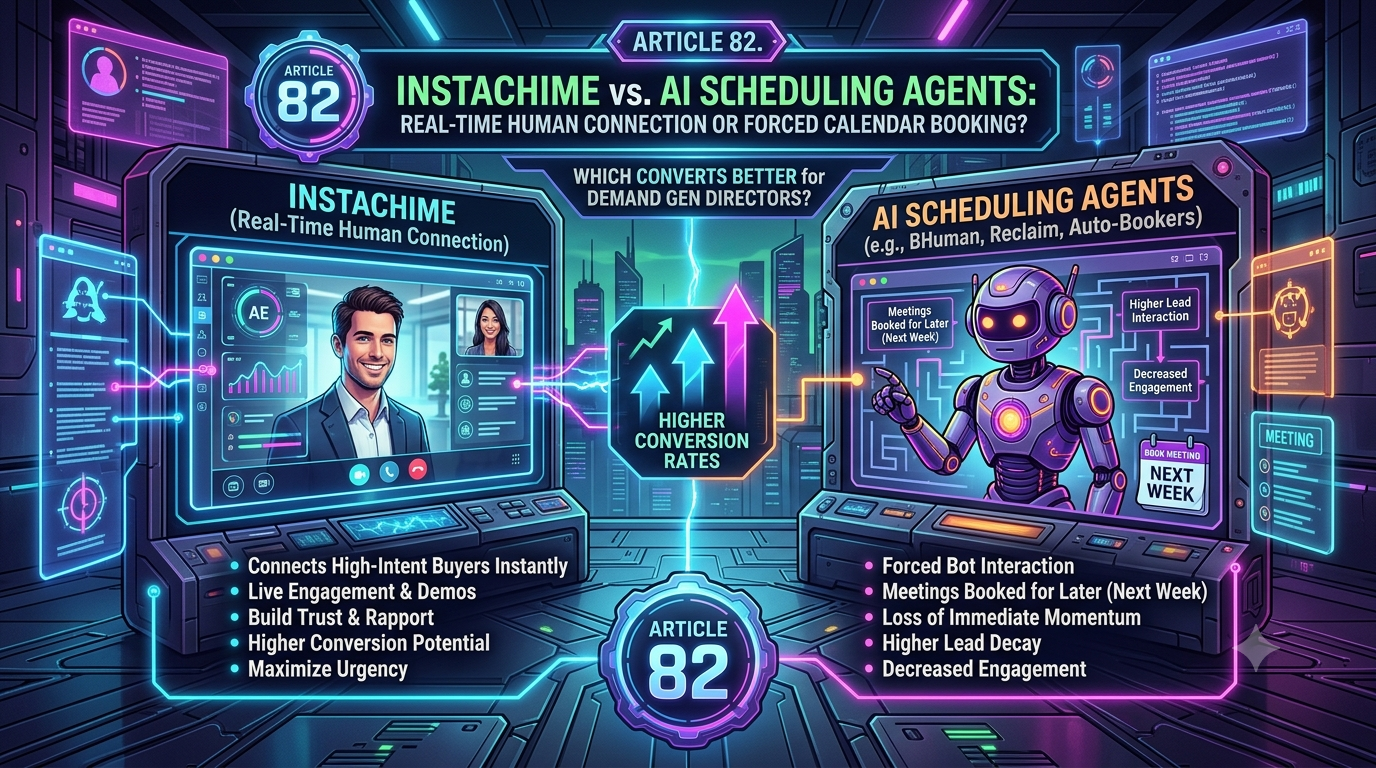
AI scheduling agents like Reclaim and Kronologic remove manual back-and-forth by negotiating meeting times through calendar sync or automated email over several days. InstaChime instead routes inbound leads to a live rep in under 30 seconds via Slack, with visible SLA clocks — built for teams where speed-to-first-contact, not calendar optimization, decides whether a deal is won.
The Core Difference: Asynchronous Meeting Negotiation vs. Real-Time Lead Routing
The architectural split comes down to what triggers a human. AI scheduling agents optimize for calendar utilization: they remove *your* admin work, but the prospect still waits through a negotiation cycle. InstaChime optimizes for time-to-first-contact: it removes the negotiation cycle entirely and puts a live rep in front of the lead immediately.
Reclaim is a calendar-management layer that sits on top of Google Calendar or Outlook (Reclaim was acquired by Dropbox in 2024). Its Scheduling Links feature works like a Calendly link with priority logic: a prospect opens the link, sees available slots weighed against the rep's existing commitments, and self-books one of up to three offered durations. There's no lead queue, no rep alert, and no claim flow — the meeting simply appears on the calendar once the prospect picks a time.
Kronologic is purpose-built for sales, marketing, and customer success pipelines. Its "Kronologic Invite" fires at the moment of form submission or a CRM trigger, and its AI then reads and replies to the prospect's emails to negotiate a time — no link required. This removes the manual back-and-forth from the rep, but the negotiation itself still plays out asynchronously across multiple email exchanges. By Kronologic's own account, that process averages 1.2 touches across 4 to 10 days from invite to booked meeting.
InstaChime runs on a synchronous capture-to-alert pipeline: a webhook payload lands from a form or ad source, gets matched against CRM data and routing rules (round-robin or rule-based), and fires a live alert — Slack, chat, push, or SMS/WhatsApp bridge — to the assigned rep with a visible SLA countdown. If the lead isn't claimed inside the SLA window, it escalates automatically to the next rep in the pool.
Why Teams Look for AI Scheduling Agent Alternatives
Scheduling agents solve a real problem — calendar admin — but that isn't the same problem as inbound lead response. Teams typically hit friction in a few specific ways:
- Multi-day time-to-first-touch. Even with the negotiation automated, Kronologic's own published figures show 4–10 days from invite to booked meeting. A high-intent enterprise buyer evaluating three vendors that week won't necessarily wait.
- No urgency tiering. Neither tool differentiates a $250K opportunity from a newsletter signup. A Reclaim Scheduling Link offers the same self-serve flow to every recipient; Kronologic's negotiation sequence runs on a fixed cadence regardless of deal size.
- A calendar tool retrofitted for sales routing. Reclaim's core product is built for individuals and small teams protecting focus time and managing internal meetings — using it as an inbound sales router means bending a personal productivity tool around a job it wasn't designed for.
- Opaque procurement for the sales-specific option. Kronologic doesn't publish self-serve pricing; evaluating it means entering a sales cycle, which adds friction in the same week you're trying to fix response speed.
Feature Comparison: InstaChime vs. Reclaim vs. Kronologic
| Capability | InstaChime | Reclaim | Kronologic |
|---|---|---|---|
| Routing architecture | Synchronous webhook capture routes each lead to a live rep via Slack, chat, or push alert. | Asynchronous. Posts an AI-prioritized Scheduling Link; the prospect self-books an open slot. | Asynchronous. AI reads and replies to prospect emails to negotiate a time over several exchanges. |
| SLA enforcement & escalation | Visible SLA countdown per lead; unclaimed leads auto-escalate to the next rep in the routing pool. | None. Priority settings govern whose calendar block yields, not lead urgency. | Not publicly documented. Negotiation cadence runs on a fixed sequence regardless of deal size. |
| Time-to-first-contact | Vendor-reported: under 30 seconds from form submit to rep alert. | Depends on when the prospect opens the link and picks a time; no fixed window. | Vendor-reported average: 1.2 touches across 4–10 days from invite to booked meeting. |
| CRM & webhook handoff | Native webhook handoff to HubSpot and Salesforce (Growth plan and up), plus Zapier, Make, and spreadsheet exports. | Syncs Google Calendar and Outlook; no native CRM lead-routing object. | Native Salesforce and HubSpot integration, plus Zoom/Google Meet for the booked call. |
| Pricing model | Published self-serve tiers: $0/mo (50 leads) up to $199/mo (50,000 leads); custom above that. | Per-seat calendar subscription, reported from roughly $10/seat/month — priced for individual productivity, not lead volume. | No public pricing; sold as a quoted enterprise deployment. |
How to Migrate from AI Scheduling Agents to InstaChime
1. Redirect the trigger, not the source.
Point your high-intent form and demo-request endpoints away from Reclaim Scheduling Links or Kronologic's invite trigger, and into InstaChime's webhook capture URL and shared secret instead. This stops the lead from entering an asynchronous negotiation queue before a rep ever sees it.
2. Build routing pools tied to CRM fields.
In InstaChime, configure round-robin or rule-based routing pools mapped to fields like deal size, territory, or lead source, so high-ARR leads route straight to a senior AE pool. Connect the HubSpot or Salesforce webhook handoff (Growth plan and up) so accepted leads still sync back to your CRM the way they did before.
3. Set the SLA window and escalation chain.
Configure a first-response SLA timer and claim flow for your primary AEs, then define an escalation chain so an unclaimed lead automatically reroutes to a backup rep instead of sitting in an email thread waiting on a reply.
Reclaim and Kronologic don't have to disappear from the stack — see the FAQ below on running them alongside InstaChime for lower-tier leads.
Frequently Asked Questions
Do AI scheduling agents like Kronologic and Reclaim slow down high-intent inbound leads?
Not by design, but the architecture adds a delay compared to live routing. Kronologic's own comparison page reports an average of 4 to 10 days from the initial invite to a booked meeting, and Reclaim's Scheduling Links depend on the prospect choosing a slot with no fixed response window. For an enterprise buyer evaluating multiple vendors in the same week, that gap gives a faster-responding competitor time to get in front of the deal first.
Do I need a developer to set up InstaChime?
Most teams can get started with just a webhook URL, a shared secret, and an alert destination — no engineering required for the core routing and SLA setup. A developer becomes useful only if your lead source needs a custom bridge, a server-side form handler, or advanced CRM field mapping.
Can I run InstaChime alongside Reclaim or Kronologic instead of replacing them?
Yes. A common setup routes only high-ARR or high-intent leads through InstaChime for live Slack alerts and SLA enforcement, while lower-tier or unqualified leads continue through Kronologic's email negotiation sequence or a Reclaim scheduling link — since those leads don't need a sub-30-second response to convert.