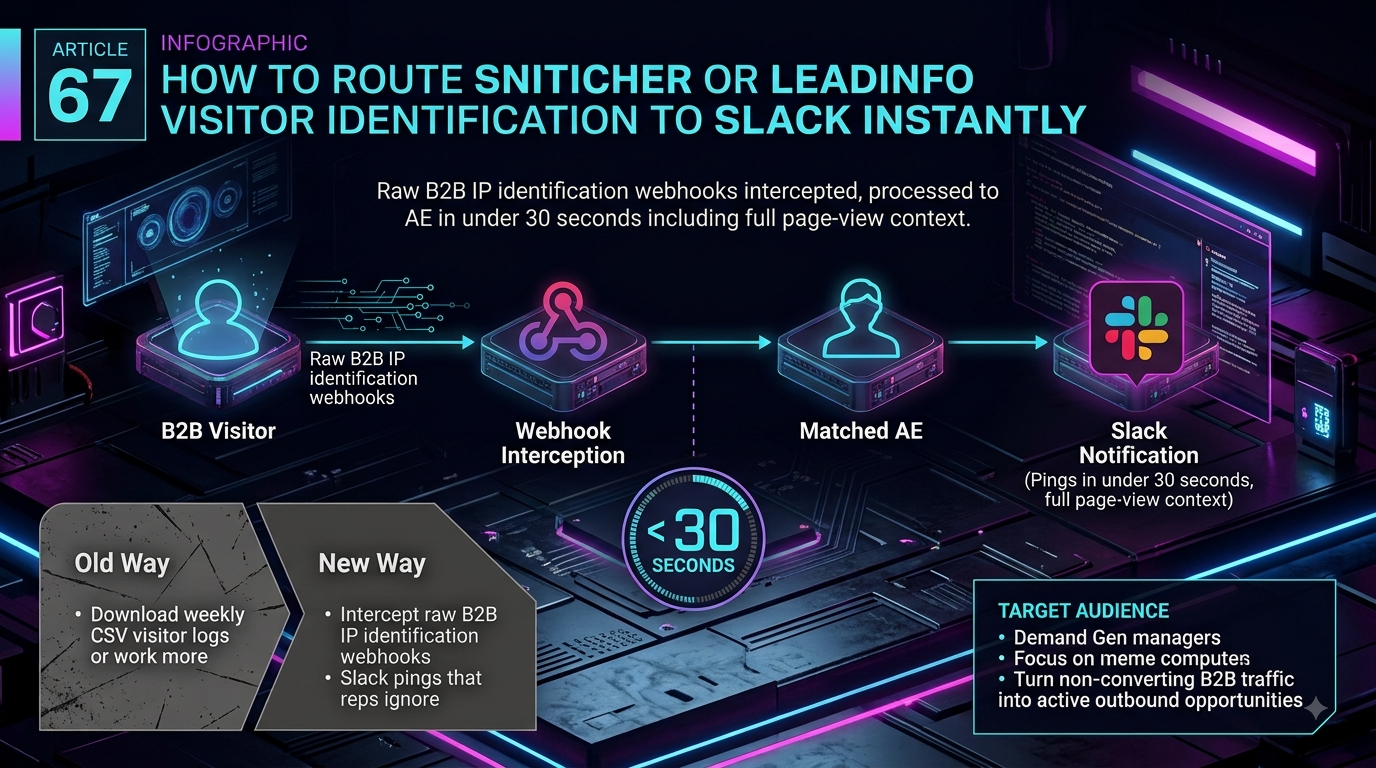
Quick answer: Snitcher and Leadinfo both ship native Slack integrations, so a basic visitor ping needs no third-party tool. Zapier adds custom routing across 9,000+ apps but bills per completed task and can add polling delay on non-instant triggers. For sales teams that need a claimed owner and a running SLA clock — not just a channel notification — InstaChime turns the same event into an accountable alert.
The Core Difference: Zapier's Multi-App Logic vs. InstaChime's Claim-and-SLA Layer
Snitcher and Leadinfo already have direct Slack apps. Snitcher's Slack integration posts real-time visitor notifications straight to a channel you choose — no Zapier step required — and lets you scope which segments or automations trigger it. Leadinfo's Slack integration works the same way: connect it from Settings > Integrations > Slack, then build a trigger that controls which companies get forwarded, such as accounts above a certain size that visited a specific page.
So the real decision isn't "how do I get a Slack message" — it's what happens after the message lands. Both native alerts, and anything built in Zapier, arrive as a static post: plain text or a Block Kit layout dropped into a channel. Nobody owns it by default, no clock is running, and if the first person to see it assumes someone else will respond, nothing escalates.
Zapier's job is connecting Snitcher or Leadinfo to everything else in your stack. Both tools ship official Zapier triggers — Snitcher's "Lead Enters Segment" and Leadinfo's "Lead Bot" — plus a generic Webhooks by Zapier catch hook for teams that want the raw JSON payload. From there you can branch with Paths, filter with Filter by Zapier, reshape fields with Formatter, and fan one event out to a CRM, a spreadsheet, and Slack in a single Zap. That flexibility is genuine, and it's why Zapier stays useful even after you add a lead-response layer on top of it.
InstaChime's job is turning that same event into an owned, timed task. InstaChime doesn't publish a purpose-built Snitcher or Leadinfo connector. Instead, you point Snitcher's Webhooks (Beta) feature — or a Zapier step, since Leadinfo's own webhook options are narrower — at InstaChime's webhook capture endpoint. InstaChime then runs the payload through its routing engine (rule-based, round-robin, weighted, territory, or skill-based), assigns a visible owner, starts an SLA countdown, and posts a Slack alert with a claim action. If nobody claims it in time, InstaChime escalates to a fallback owner automatically.
Why Teams Look for Zapier Alternatives
Zapier isn't the bottleneck for getting a visitor alert into Slack — Snitcher and Leadinfo already solve that natively. Teams add Zapier, then look past it, for three verifiable reasons:
- Webhooks and premium apps sit behind a paywall. Zapier's Free plan caps usage at 100 tasks a month, allows only two-step Zaps, and excludes Webhooks by Zapier and premium app connections. Those unlock on the Professional plan, which starts at $19.99/month.
- Polling delay is real unless you confirm the trigger type. Zapier splits triggers into instant (webhook-based, no delay) and polling (checked on a schedule). Polling runs every 15 minutes on Free, every 2 minutes on Professional, and every 1 minute on Team and Enterprise. If a Snitcher or Leadinfo Zap ends up on a polling trigger instead of an instant webhook, "real-time" isn't accurate until you switch the trigger or upgrade.
- Every downstream action burns a task. Zapier counts a task for each successful action step — the Slack post, the CRM write, the Sheet row. One visitor event fanned out to three destinations costs three tasks, and teams identifying dozens of accounts a day can burn through an allocation fast. Overages bill at a higher per-task rate.
- A static Slack message doesn't create ownership. Even a well-built Zap ends at "message posted." A claim button, an SLA countdown, and an escalation path require building Slack's interactivity API and a request-URL handler yourself.
Feature Comparison: InstaChime vs. Zapier
| Workflow Area | Zapier | InstaChime |
|---|---|---|
| Connecting Snitcher/Leadinfo to Slack | Uses the vendor's native Zapier trigger or a Webhooks by Zapier catch hook, plus a Slack action step you configure and format manually. | Uses Snitcher's or Leadinfo's own webhook output, pointed at InstaChime's capture endpoint; Slack formatting is generated automatically after a one-time setup. |
| Pricing model | Task-tiered: Free (100 tasks/mo), Professional ($19.99/mo+), Team ($69/mo+). Every completed action, including each Slack post, consumes a task. | Free, Starter, Growth, and Agency plans priced around lead volume and users, not a per-action task meter. |
| Delivery timing | Instant only with a true webhook trigger; polling triggers lag up to 15 minutes (Free), 2 minutes (Professional), or 1 minute (Team/Enterprise). | Webhook capture is push-based, so there's no polling interval between the event firing and InstaChime processing it. |
| Ownership after the alert | Delivers a static message; claim buttons, reminders, or reassignment logic require extra Zap steps you build yourself. | Includes built-in claim actions, a visible SLA countdown, and automatic escalation to a fallback owner if a lead sits unclaimed. |
| Routing logic | Conditional Paths and Filters can branch to any of 9,000+ connected apps. | Built-in rule-based, round-robin, weighted, territory, and skill-based routing designed specifically to assign one accountable owner. |
How to Migrate from Zapier to InstaChime
1. Turn on outbound webhooks in Snitcher, or bridge Leadinfo through Zapier. In Snitcher, open Integrations > Webhooks (Beta), create a webhook pointed at a destination URL, and attach it to an automation such as "New Lead" or a segment match. Leadinfo's native webhook options are narrower, so route it through its existing Zapier connection instead. Keep the current Slack step running while you test.
2. Point that webhook at InstaChime's capture endpoint. Send the payload as an HTTP POST to InstaChime's webhook capture API with a `content-type: application/json` header and your `x-instachime-secret` value attached. Include a stable source identifier so InstaChime can de-duplicate repeat visits from the same company.
3. Build one routing rule, connect Slack, and set the SLA. In InstaChime, create a routing rule (territory, round-robin, or another criterion), add a Slack incoming webhook URL under Notifications, and set a response-time target. Run one event end-to-end — capture, routing, Slack alert, claim — before retiring the old static Slack step in Snitcher, Leadinfo, or Zapier.
Frequently Asked Questions
Do I need Zapier to get Snitcher or Leadinfo alerts into Slack?
No. Both tools include a native Slack integration you can turn on from their own settings — Snitcher under Integrations, Leadinfo under Settings > Integrations. Zapier and InstaChime become useful once you need custom routing logic or claim-and-SLA tracking on top of that alert, not to create the alert itself.
Is InstaChime cheaper than Zapier for this workflow?
It depends on volume and plan tier. Zapier's Free plan caps usage at 100 tasks a month and reserves Webhooks and premium apps for its Professional plan ($19.99/month and up), with every completed action — including each Slack post — counted as a task. InstaChime prices its Free, Starter, Growth, and Agency plans around lead volume and users rather than a per-action task meter, so the two scale differently as alert volume grows.
Do I need a developer to connect Snitcher or Leadinfo to InstaChime?
Basic setup doesn't require custom code: generate a webhook in Snitcher (or route through Leadinfo's Zapier connection), paste the URL into InstaChime, and add a Slack incoming webhook under InstaChime's Notifications settings. Someone comfortable following a setup checklist can do it; you'd only need engineering help if you're transforming fields before they reach InstaChime's capture endpoint.